Who it is for
Merchants, content teams, store teams, and agencies.
Start with the problem already slowing launches, reviews, or exports.
Loading the current XEVRIN page. It will open automatically.
Start with a real blocker, the product information behind it, source-backed proposals, one review path, and one checked output.
Start with one product set or problem. Leave with one checked output.
Prove one useful path first, then expand.
Start with the problem already slowing launches, reviews, or exports.
Use an uploaded product file, catalog import template, category, collection, or selected products.
Clear inputs make the first product data review and export easier to judge.
Leave with something your team can inspect, approve, and trace back to sources.
Bring the people who own details, content, review, and exports.
They bring files, missing details, and claims that need review.
They shape page guidance, FAQs, search, and tone.
They connect checked work to the next system or delivery path.
Each stage should give the team something concrete to check.
Context in. Checked output out.
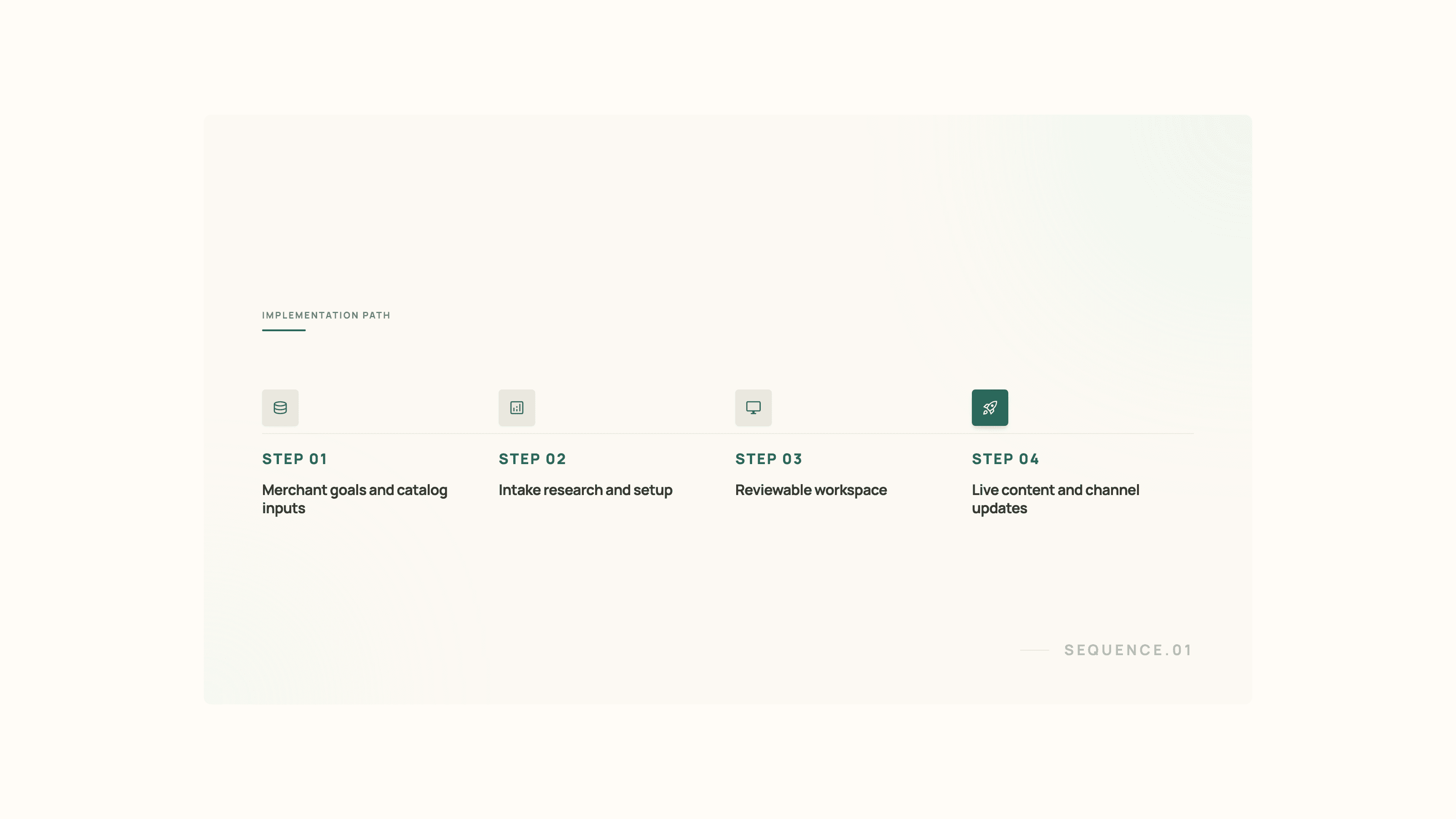
Use real materials, not a perfect dataset.
Bring the live site, product structure, and brand position.
Bring files, live page data, manufacturer sources, approved domains, and specs.
Bring buyer questions, tone, and writing rules.
Pick the first output: approved export, product file, connected destination, supported package example, or partner delivery.
The team should see reviewed work and a next output path.
Save audience, positioning, and tone guidance.
Generate source-backed facts, drafts, image/detail candidates, and review status.
End with an approved file the team can inspect.
Setup is complete when status is clear.
Resolve missing details, source conflicts, category questions, and candidate issues before export.
Drafts and proposals move through edit, approve, reject, reopen, or revisit states.
Only checked work moves into files, exports, or delivery paths.
XEVRIN improves the work before your selling tools use it.
Keep storefronts, destination tools, and product databases in place.
Use a file to see what is ready to use, needs review, or needs source detail.
Expand after the first update path works.
This page explains the first setup path. The supporting pages explain current tools and review controls.
Understand where XEVRIN sits relative to product files, connected store paths, partner delivery, and product databases.
See how product sources, approvals, AI assistance, and agency access stay clear before work is used.
See merchant-neutral before-and-after examples showing the kinds of outputs the rollout is meant to produce first.