What goes in
Product files, current product pages, manufacturer details, source URLs, and team notes.
Use the materials your team already has and keep source context attached.
Loading the current XEVRIN page. It will open automatically.
Improve and approve product details before they move into files, partner delivery, connected store paths, or supported package examples.
The work starts with rough inputs and ends with reviewed content, fields, and source metadata your team can use.
Use the materials your team already has and keep source context attached.
Inspect approval state and source evidence before exports are handed off elsewhere.
XEVRIN improves the work before another tool or destination uses it.
Best when copy-paste slows export or delivery work.
The role is simple: review and approve the work before other tools use it.
Inputs move in. Checked work moves out.
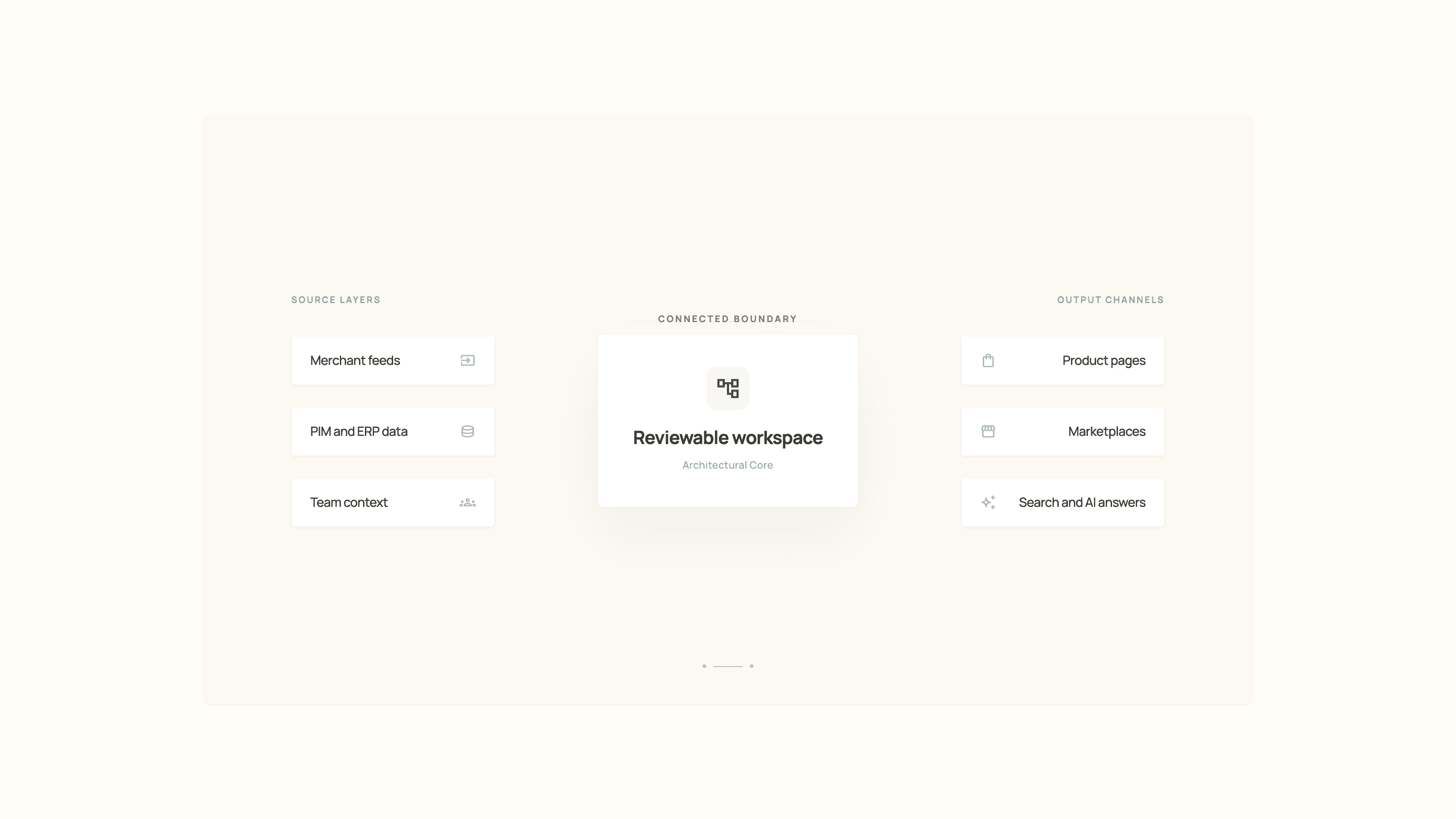
These are the clearest fit checks today because approval and source evidence stay visible.
Move checked output and source metadata into structured files.
Inspect facts, missing fields, image/detail candidates, and approval status without bypassing review.
Prepare partner files without rebuilding the work.
Connected destinations require configured access; approved export remains the broader fit.
Use these options to connect approved product work to the store, marketplace, package, or partner delivery your team needs.
Use approved exports for broad review, then route the work through configured store access or the partner file your team owns.
Create a checked manual-upload Walmart workbook from approved facts, product-page content, an approved mapping, and a validated seller template. XEVRIN does not submit listings or guarantee marketplace acceptance.
Package previews can be derived from approved product facts and reviewed product-page content after approval.
Capture feed or partner requirements during the workflow review so the team can confirm the right delivery path before representing it as included.
Evaluate fit, setup, and review together.
See the first setup path.
See how approval stays clear.
Inspect before-and-after examples.